Developer laptops have always been unusual in how much access they have. SSH keys, API keys, copies of source code, access to cloud environments (hopefully not prod). This is why package managers have been the target of so many attacks and why investing in secure dev environments is worth the effort.
Coding agents enlarge that attack surface area. When a coding agent is rapidly editing files, running terminal commands, and making external requests through APIs, MCP, and CLIs, it can be difficult to distinguish malware. Traditional endpoint management systems miss the coding context and often can’t react quickly enough.
Security teams also have a visibility problem. Developers are using Claude Code, Codex, Cursor, Muse Code, Copilot, and other coding agents. Often within a managed enterprise account, but not always. Asking engineers to standardize their tooling can be a losing battle.
Today we’re announcing Arcjet Runtime Security for Coding Agents. Security teams can now use Arcjet to discover all the coding agents used across every developer endpoint. Once activities are observed, policies can be applied to secure those activities whatever coding agent is being used.
Threat analysis and detectors
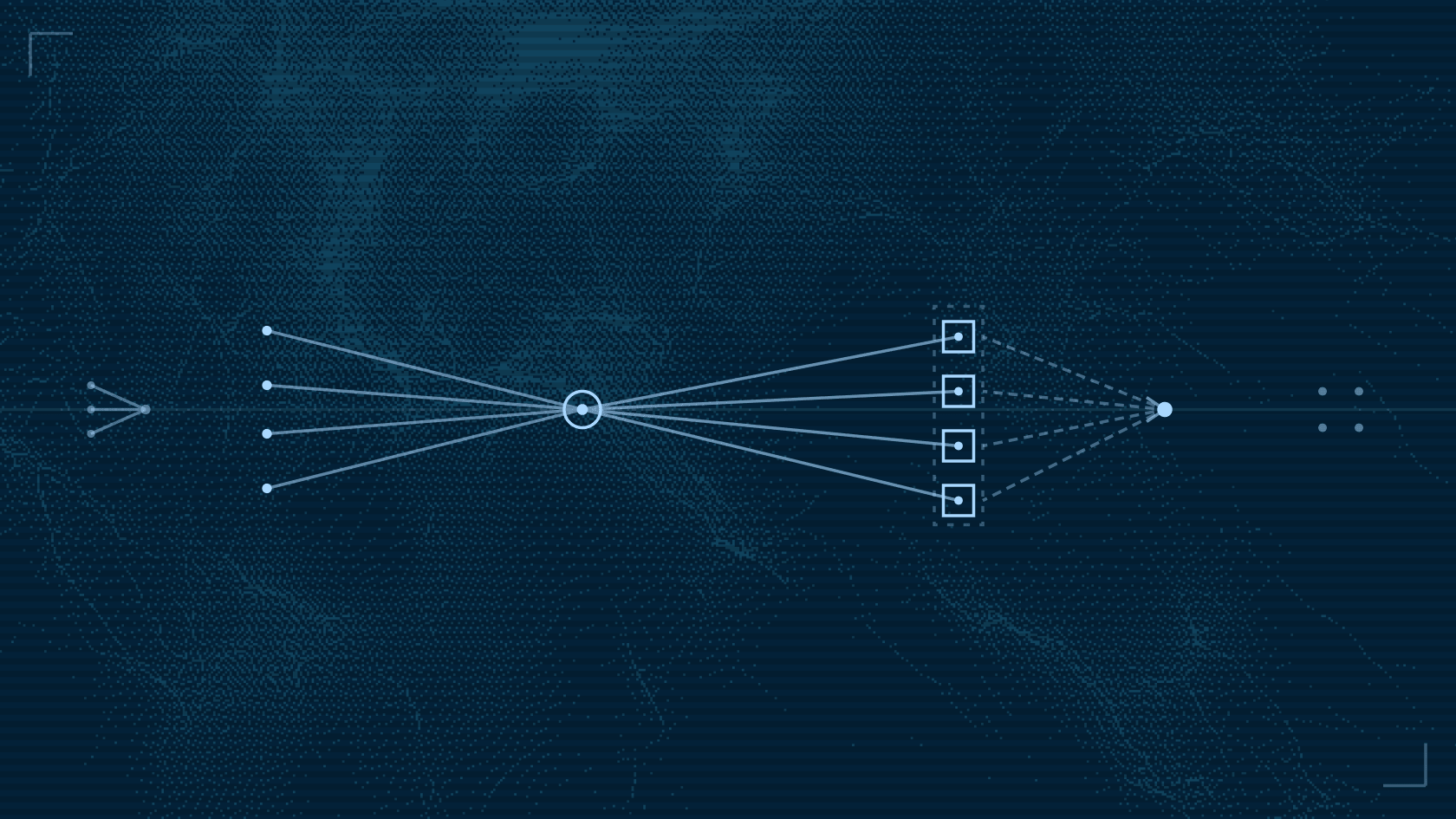
Arcjet supports a range of detectors including prompt injection detection and PII detection. Arcjet runs real-time threat analysis on every external API, MCP, and web call to look for malware, compromised services, and other risky activity.
package arcjet.guard
import rego.v1
deny contains "malicious-destination" if { input.signals.ip_threat.dest.risk_level in {"high", "critical"}}Example Arcjet Rego policy using real-time analysis to deny external calls to risky destinations e.g. malware or compromised servers.
Arcjet's session behavior analysis, which tracks activities over the whole session not just in isolation, can also protect agent sessions. If risky activity is detected, the session is flagged and further activity is blocked for admin review. Arcjet can detect risks such as credential exfiltration and destructive command execution, to stop unwanted agent behavior.
package arcjet.guard
import rego.v1
risky := {"shell", "web", "mcp", "file_write"}
lock_flags := { "prompt_injection", "credential_access", "data_exfiltration", "code_execution_risk", "sensitive_data_exposure", "elevated_risk",}
deny contains "tainted-session-risky" if { some flag in input.values.session_flags flag in lock_flags input.values.tool_kind in risky}Example Arcjet Rego policy that locks a session if specific risky activity types are detected in the agent activity.
Activity logs for compliance and governance
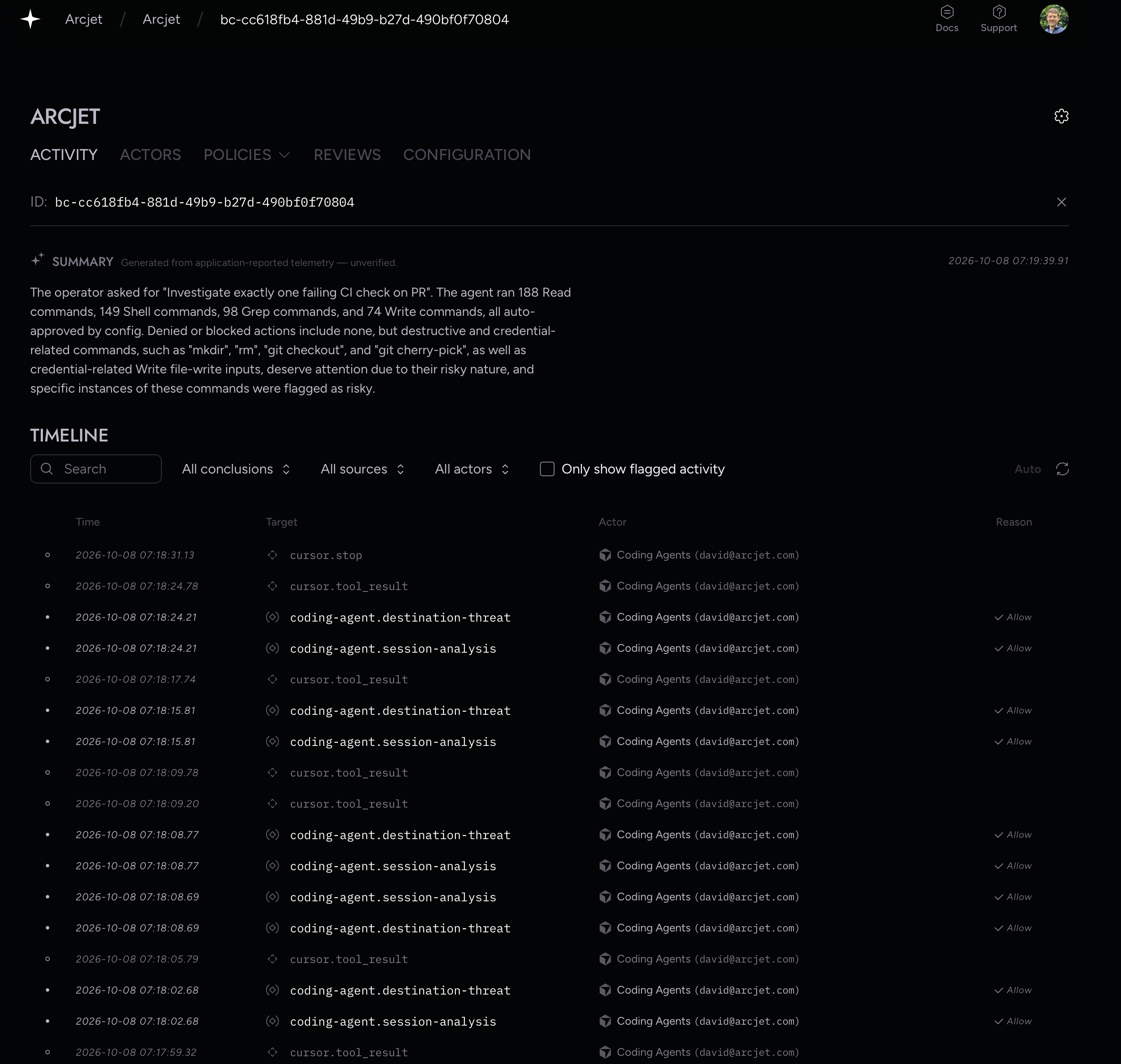
Arcjet collects all agent actions so activity can be logged for compliance and governance. Every call is recorded with the full context of the action: the agent, the user, the prompt or tool call, the policies that ran, and the decision.
This provides more granular context than an AI gateway can see because it includes metadata like tool parameters and results, agent mode and configuration, user and agent identity, and policy inputs and execution rules. You can search it in the Arcjet Console or send it to the SIEM you already use, including Splunk, Datadog, SentinelOne, and Panther.
Detecting shadow AI
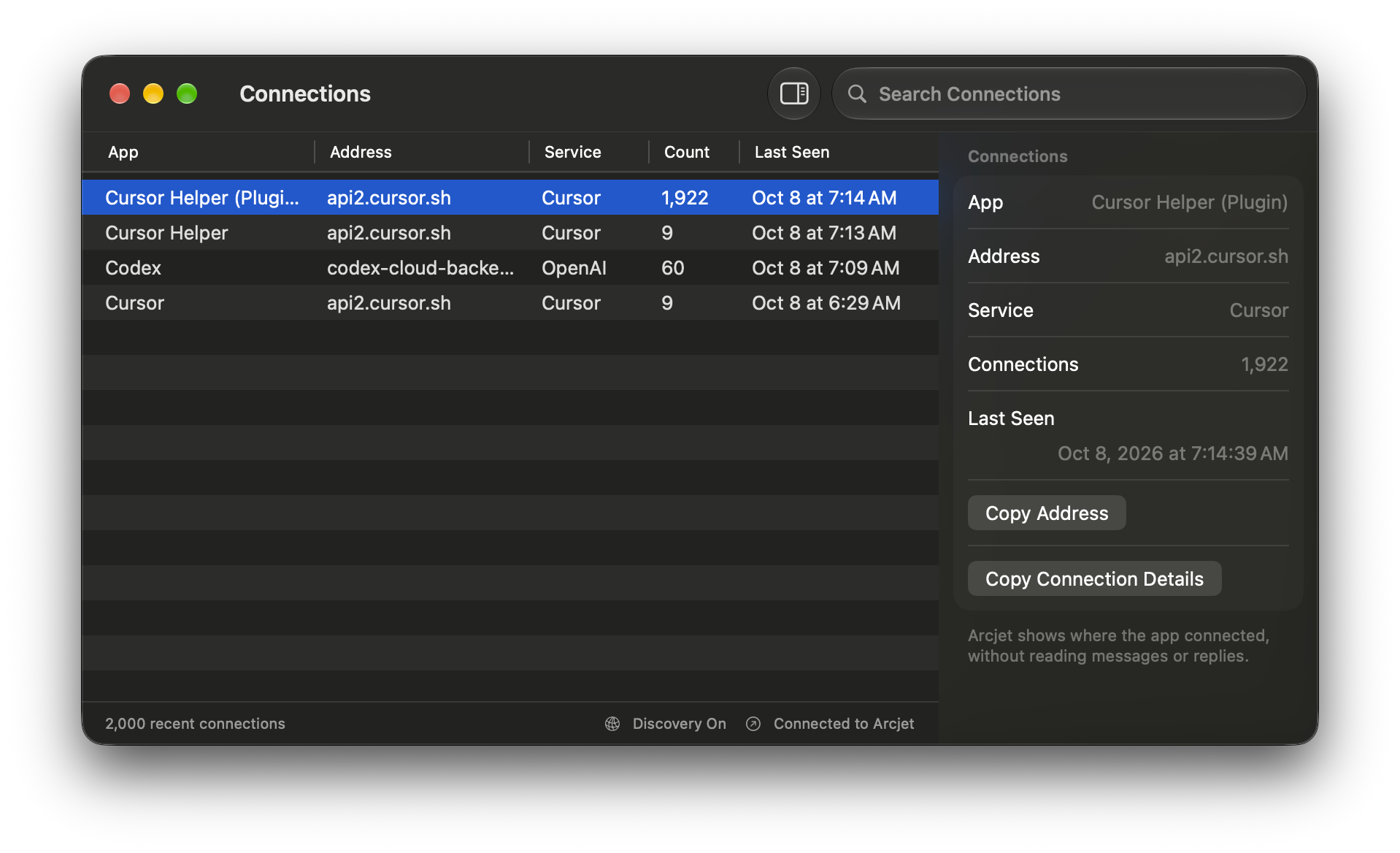
Arcjet integrates through coding agent hooks, OpenTelemetry, provider compliance and inference APIs. An optional Arcjet agent can also be installed onto each endpoint to report AI connections and correlate with identities and controls, blocking unmanaged connections if required.
Get started
Arcjet Runtime Security for Coding Agents is available today. It uses the same policy engine built on top of Open Policy Agent and Rego to apply policies consistently, regardless of which coding or custom agents are being protected.
Start with the coding agents docs, publish the starter policies in dry-run mode, and watch a week of activity before you enforce anything. If you want to see it running on a real team first, book a demo.
Your developers will keep choosing their own tools, and the policy should follow them into whichever agent they open.
Try Arcjet
Security that ships with your code
Protect AI agents and applications with rules that run where your code runs — rate limiting, bot detection, shield, and Guards.